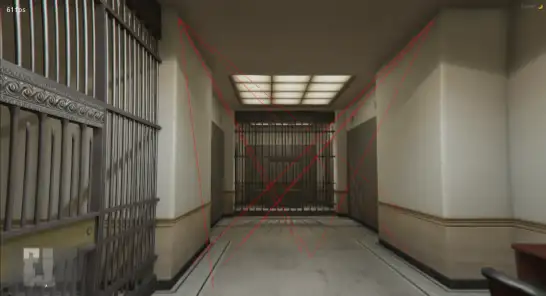
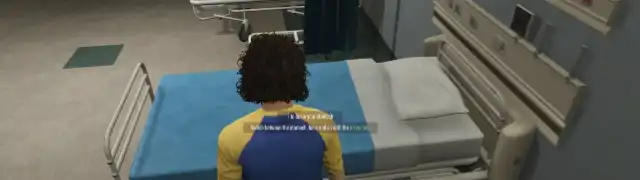
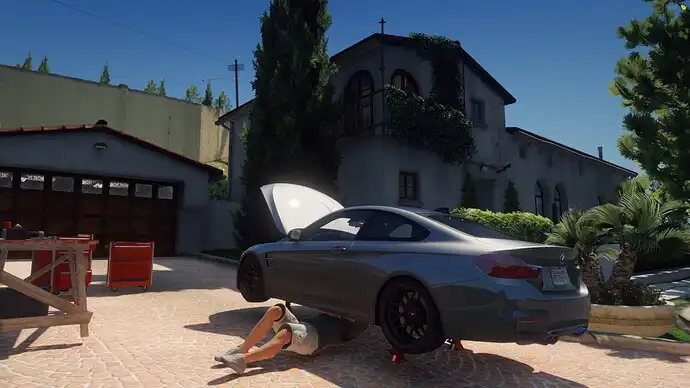
The ESX Lasers Security Script introduces realistic laser security systems to FiveM servers. Perfect for banks, vaults, and high-security areas, it enhances heists and infiltration roleplay. Players must avoid triggering alarms by navigating through laser grids, adding excitement, challenge, and depth to criminal activities and security setups.
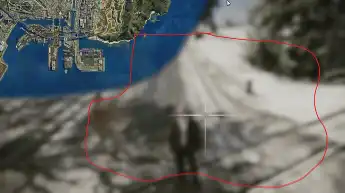
To start creating a new laser, use the command /lasers start. A green sphere will appear where you are looking in-game. This is the laser’s “origin point” (where the laser will start). You can press E to select that point. You can have multiple origin points, which enables situations where you have a laser moving back and forth between multiple origin-target point pairs. To place more than one origin point just keep pressing E to add more points.
To switch to target point selection mode, press the X key, and the sphere will turn red. You can press E to place a point. Just like origin points, you can place as many target points as you want, however if you have multiple origin points, you must have the same number of target points. These points are the “targets” that your laser will point to. The laser can either follow these points in order, or randomly (only available if you have a single origin point), so make sure to place them in the order you want!
Once you are done selecting the target points, use /lasers save to save the created laser. You will be asked to input a name, and then the generated code for the newly created laser will be in the “lasers.txt” file in the resource’s folder.
Need help?
If you have any other questions or issues related to this product, you can contact us. This script works well with our Esx Fallout Hacking Minigame for enhanced roleplay communication
Visit if you’re looking for anything regarding this RedM script
Frequently Asked Questions
- How do I install Esx Lasers Script | Create Dynamic Laser Systems for RP on my FiveM server?
- Download after purchase, extract to resources folder, add ensure esx-lasers-script to server.cfg, restart server.
- Is Esx Lasers Script | Create Dynamic Laser Systems for RP compatible with QBCore and ESX?
- Yes, fully compatible with QBCore, ESX, QBox, and standalone FiveM servers.
- Does Esx Lasers Script | Create Dynamic Laser Systems for RP include free updates?
- Yes, all scripts include lifetime free updates and dedicated support.
{“@context”:”https://schema.org”,”@type”:”FAQPage”,”mainEntity”:[{“@type”:”Question”,”name”:”How do I install Esx Lasers Script | Create Dynamic Laser Systems for RP on my FiveM server?”,”acceptedAnswer”:{“@type”:”Answer”,”text”:”Download after purchase, extract to your resources folder, add ‘ensure esx-lasers-script’ to server.cfg, then restart your server.”}},{“@type”:”Question”,”name”:”Is Esx Lasers Script | Create Dynamic Laser Systems for RP compatible with QBCore and ESX?”,”acceptedAnswer”:{“@type”:”Answer”,”text”:”Yes, Esx Lasers Script | Create Dynamic Laser Systems for RP is fully compatible with QBCore, ESX, QBox, and Standalone FiveM servers.”}},{“@type”:”Question”,”name”:”Does Esx Lasers Script | Create Dynamic Laser Systems for RP include free updates?”,”acceptedAnswer”:{“@type”:”Answer”,”text”:”Yes, all FiveM scripts from fivemscripts.shop include lifetime free updates and dedicated support.”}}]}



 Esx Lasers Script | Create Dyn...
Reviews
There are no reviews yet.