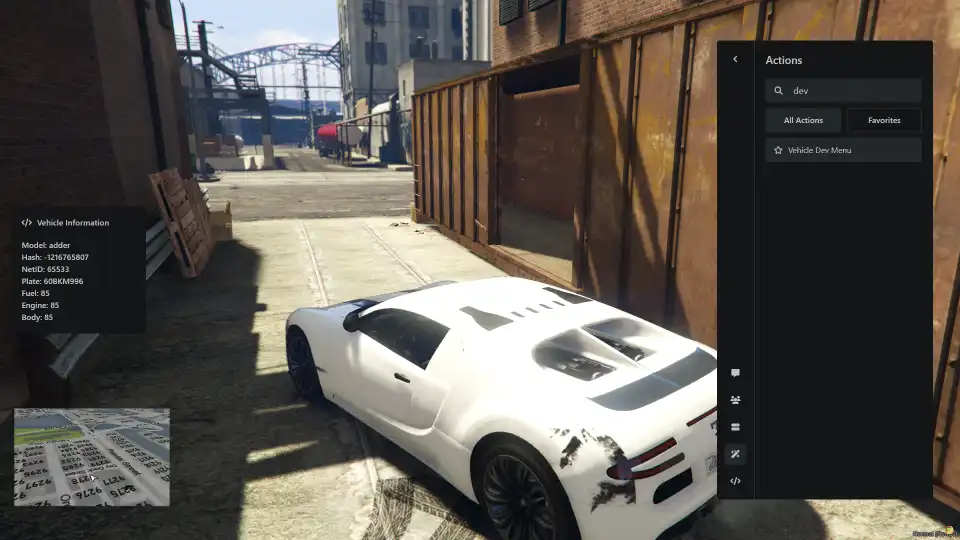
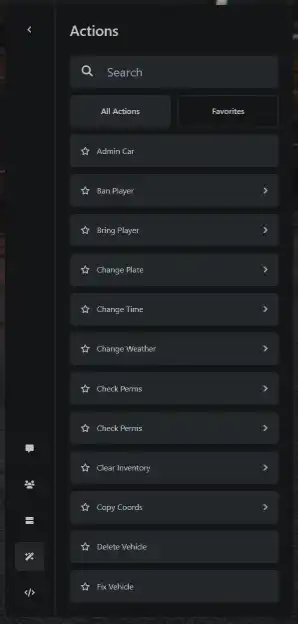
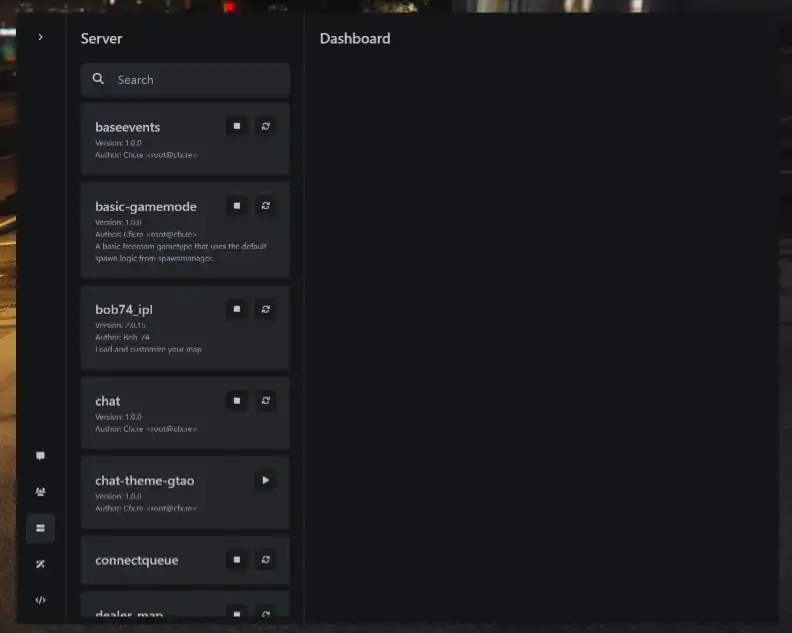
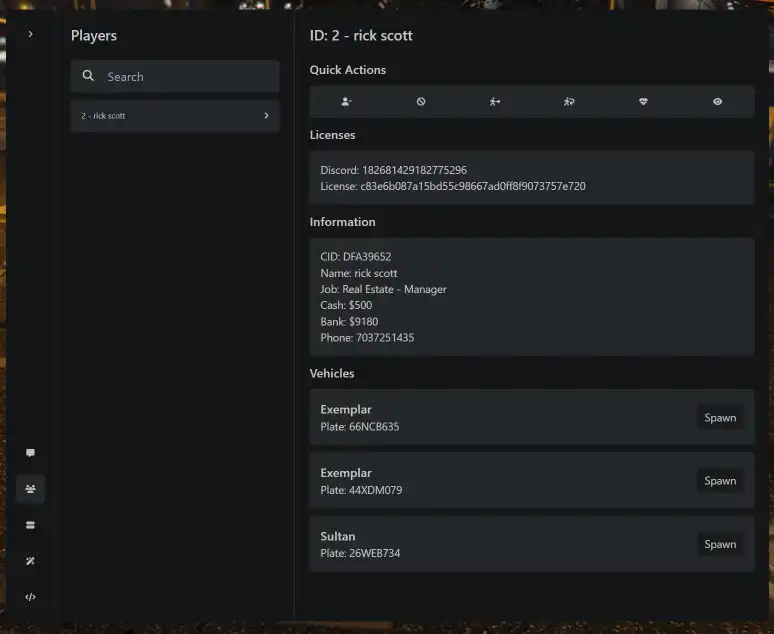
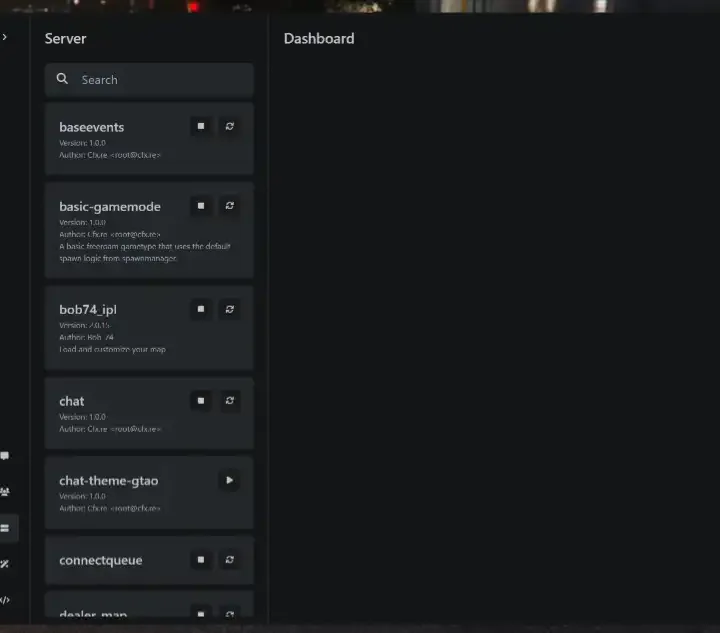
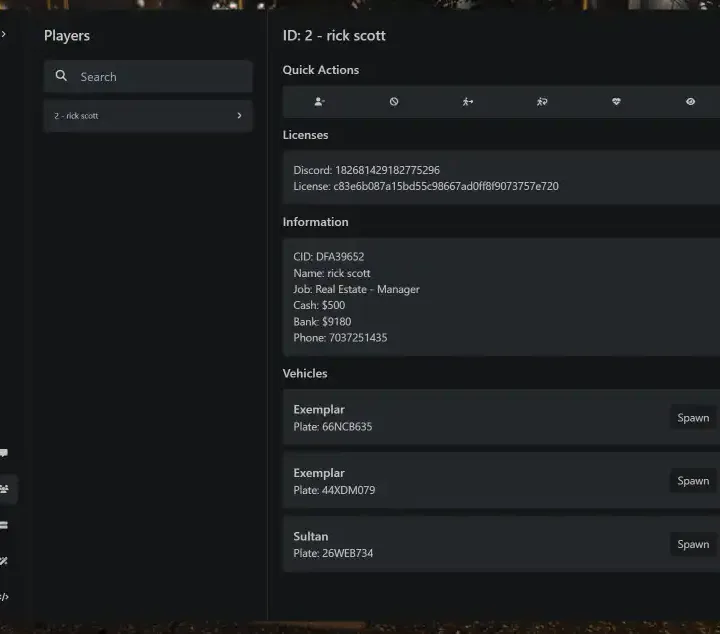
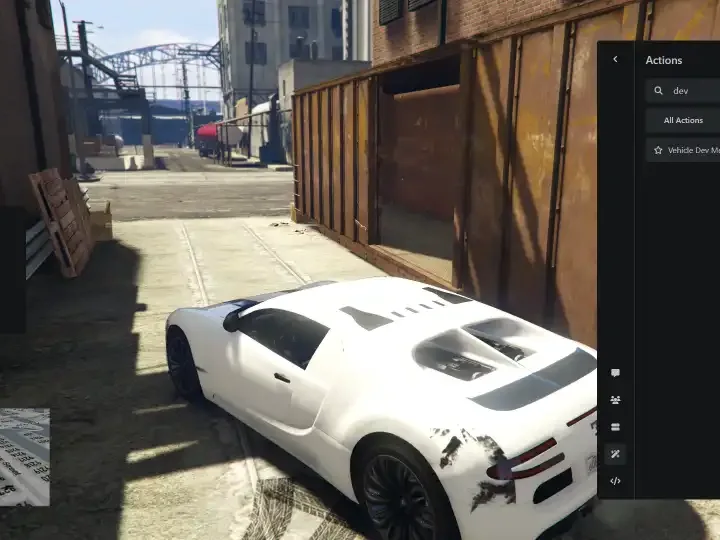
The QBCore Admin Menu Script provides server admins with powerful tools to manage vehicles, monitor player actions, and control in-game settings. This script allows admins to view detailed vehicle information, adjust stats, and access various commands directly from an interactive menu. Ideal for streamlined server management and moderation in FiveM.
Features
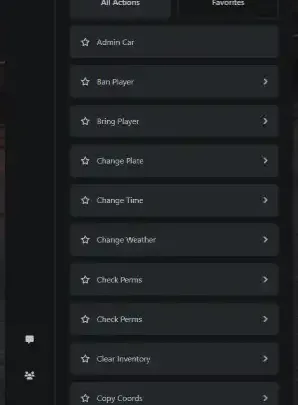
- Admin Car
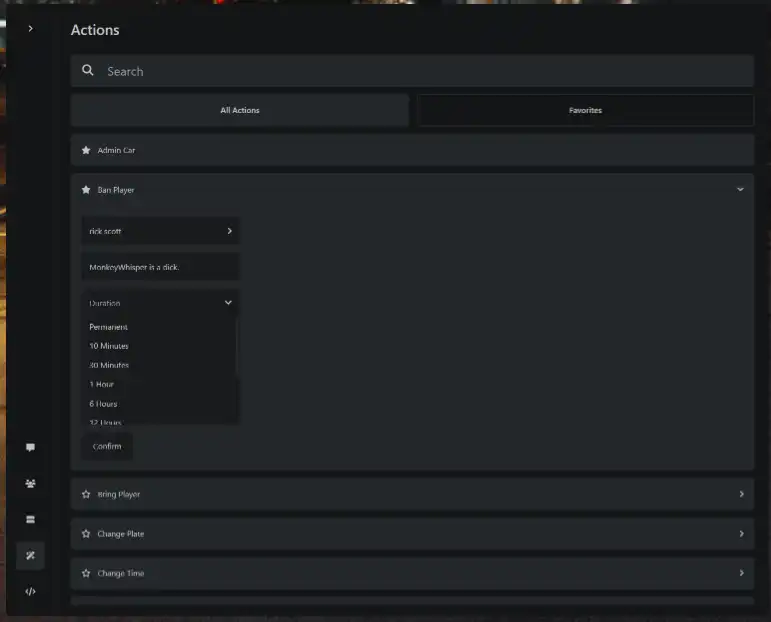
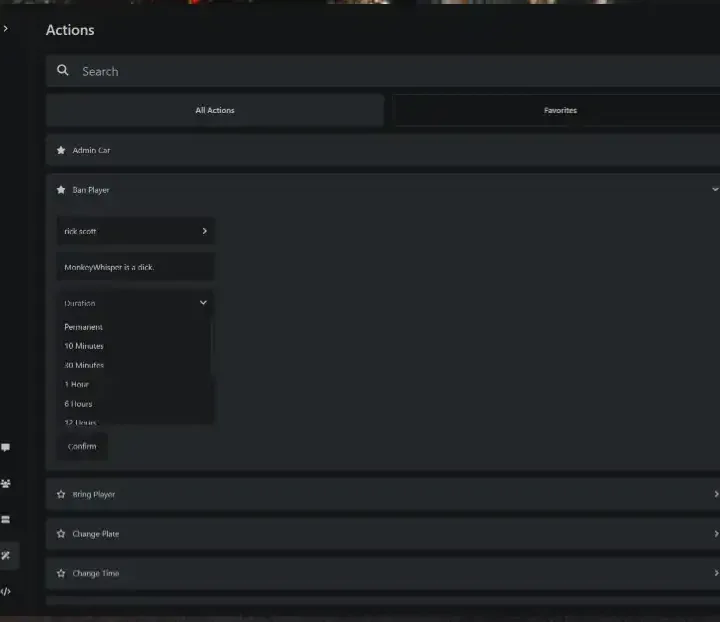
- Ban Player
- Bring Player
- Change Plate
- Checking number plates before
Change Plate
- Change Time
- Change Weather
- Check Permissions
- Clear Inventory
- Clear Inventory Offline
- Clothing Menu
- Copy Coordinates
- Delete Vehicle
- Delete Laser
- Explode Player
- Fix Vehicle
- Freeze Player
- Give Clothing Menu
- Give Item
- Give Item to All
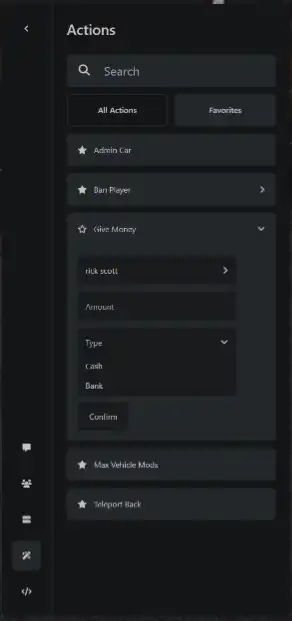
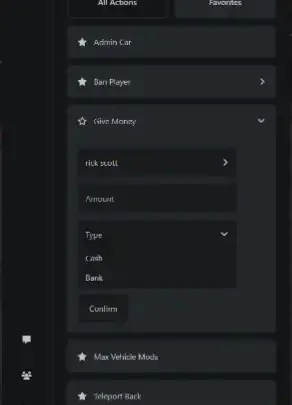
- Give Money
- Give Money to All
- Give Vehicle to Player
- Give NUI Focus
- God Mode
- Invisible
- Infinite Ammo
- Kick Player
- Kill Player
- Make Player Drunk
- Message Player
- Mute Player
- Max Vehicle Mods
- No Clip
- Open Inventory
- Open Stash
- Open Trunk
- Play Sound
- Refuel Vehicle
- Remove Money
- Remove Stress
- Revive All
- Revive Player
- Revive Radius
- Set Bucket
- Server Announcement
- Set Ammo
- Set Vehicle State in Garage (In & Out)
- Set Gang
- Set Job
- Set on Fire
- Set Permissions
- Set Player Ped
- Sit in Vehicle
- Spawn Vehicle
- Spectate Player
- Teleport Back
- Teleport to Coordinates
- Teleport to Marker
- Teleport to player
- Toggle Blackout
- Toggle Blips
- Toggle Coords
- Toggle Cuffs
- Toggle Delete Laser
- Toggle Duty
- Toggle Names
- Vehicle Dev Menu
- Warn player
Need help?
If you have any other questions or issues related to this product, you can contact us. This script works well with our Qbcore Player Logs Script for enhanced roleplay communication
Visit if you’re looking for anything regarding this RedM script
Frequently Asked Questions
- How do I install QBCore Admin Menu Script – Controls, Vehicle Management on my FiveM server?
- Download after purchase, extract to resources folder, add ensure qbcore-admin-menu-script to server.cfg, restart server.
- Is QBCore Admin Menu Script – Controls, Vehicle Management compatible with QBCore and ESX?
- Yes, fully compatible with QBCore, ESX, QBox, and standalone FiveM servers.
- Does QBCore Admin Menu Script – Controls, Vehicle Management include free updates?
- Yes, all scripts include lifetime free updates and dedicated support.
{“@context”:”https://schema.org”,”@type”:”FAQPage”,”mainEntity”:[{“@type”:”Question”,”name”:”How do I install QBCore Admin Menu Script – Controls, Vehicle Management on my FiveM server?”,”acceptedAnswer”:{“@type”:”Answer”,”text”:”Download after purchase, extract to your resources folder, add ‘ensure qbcore-admin-menu-script’ to server.cfg, then restart your server.”}},{“@type”:”Question”,”name”:”Is QBCore Admin Menu Script – Controls, Vehicle Management compatible with QBCore and ESX?”,”acceptedAnswer”:{“@type”:”Answer”,”text”:”Yes, QBCore Admin Menu Script – Controls, Vehicle Management is fully compatible with QBCore, ESX, QBox, and Standalone FiveM servers.”}},{“@type”:”Question”,”name”:”Does QBCore Admin Menu Script – Controls, Vehicle Management include free updates?”,”acceptedAnswer”:{“@type”:”Answer”,”text”:”Yes, all FiveM scripts from fivemscripts.shop include lifetime free updates and dedicated support.”}}]}


 QBCore Admin Menu Script – C...
Reviews
There are no reviews yet.