Qbcore boombox Script | Music Playback & Inventory Integration
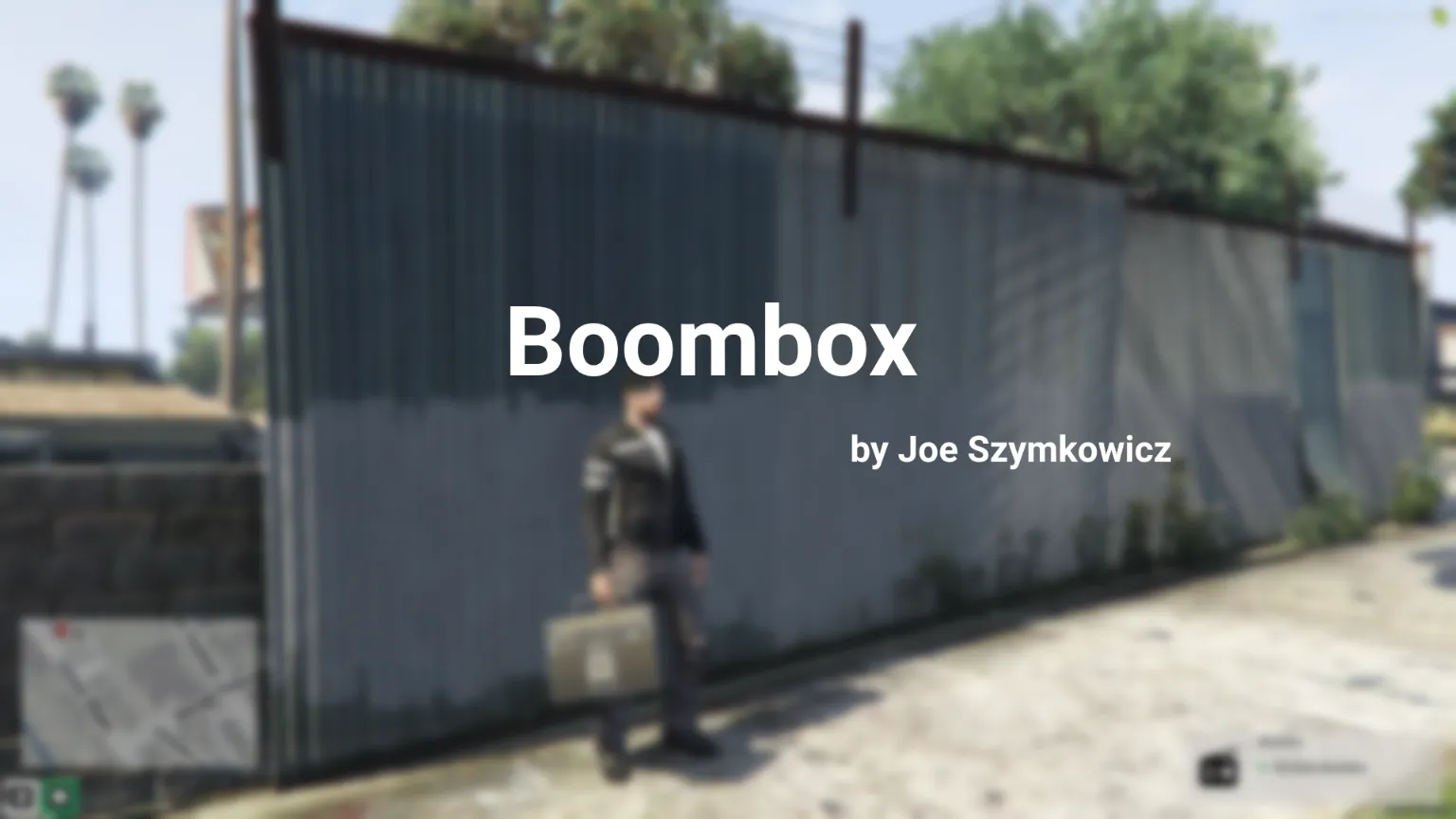
The Qbcore Boombox Script allows players to play custom music by adding MP3/OGG files to a resource and configuring them in the script. Only the player who placed the boombox can interact with it. The script uses inventory-based song availability and allows the creation of custom song covers. A useable boombox item must be added to the inventory for use.
The Qbcore Boombox Script adds a fully functional portable music system to FiveM, allowing players to play, pause, and change songs in-game. Featuring URL-based streaming, volume control, and drop-and-pick mechanics, this script enhances roleplay by bringing immersive music experiences to parties, events, and casual hangouts.
Usage
Add song mp3/ogg files to the chHyperSound resource, and add them to the js5m-boombox config. In its current state, the menu will only display the tapes/songs that you have available in your inventory, via GetPlayerData().items in the client. The person that put down the boombox is the only person that can interact with the boombox.
I have included a pdn template file I’ve used to create tape/song inventory images, using real covers, and an example of one of them.
Items
You will need a useable item of a boombox to be added to your items.
Need help?
If you have any other questions or issues related to this product, you can contact us. This script works well with our Qbcore Music System for enhanced roleplay communication
Visit if you’re looking for anything regarding this RedM script
Frequently Asked Questions
How do I install Qbcore boombox Script | Music Playback & Inventory Integration on my FiveM server?
Download after purchase, extract to resources folder, add ensure qbcore-boombox-script to server.cfg, restart server.
Is Qbcore boombox Script | Music Playback & Inventory Integration compatible with QBCore and ESX?
Yes, fully compatible with QBCore, ESX, QBox, and standalone FiveM servers.
Does Qbcore boombox Script | Music Playback & Inventory Integration include free updates?
Yes, all scripts include lifetime free updates and dedicated support.
{“@context”:”https://schema.org”,”@type”:”FAQPage”,”mainEntity”:[{“@type”:”Question”,”name”:”How do I install Qbcore boombox Script | Music Playback & Inventory Integration on my FiveM server?”,”acceptedAnswer”:{“@type”:”Answer”,”text”:”Download after purchase, extract to your resources folder, add ‘ensure qbcore-boombox-script’ to server.cfg, then restart your server.”}},{“@type”:”Question”,”name”:”Is Qbcore boombox Script | Music Playback & Inventory Integration compatible with QBCore and ESX?”,”acceptedAnswer”:{“@type”:”Answer”,”text”:”Yes, Qbcore boombox Script | Music Playback & Inventory Integration is fully compatible with QBCore, ESX, QBox, and Standalone FiveM servers.”}},{“@type”:”Question”,”name”:”Does Qbcore boombox Script | Music Playback & Inventory Integration include free updates?”,”acceptedAnswer”:{“@type”:”Answer”,”text”:”Yes, all FiveM scripts from fivemscripts.shop include lifetime free updates and dedicated support.”}}]}
Reviews
There are no reviews yet.
Be the first to review “Qbcore boombox Script | Music Playback & Inventory Integration” Cancel reply



 Qbcore boombox Script | Music ...



Reviews
There are no reviews yet.