The ESX Car Hunting Script for FiveM adds exciting mission-based gameplay, where players must track down targets related to stolen vehicles or debt collections. Players engage in immersive roleplay while pursuing objectives, adding depth to criminal or bounty hunter roles. Perfect for action-packed roleplay servers with dynamic missions.
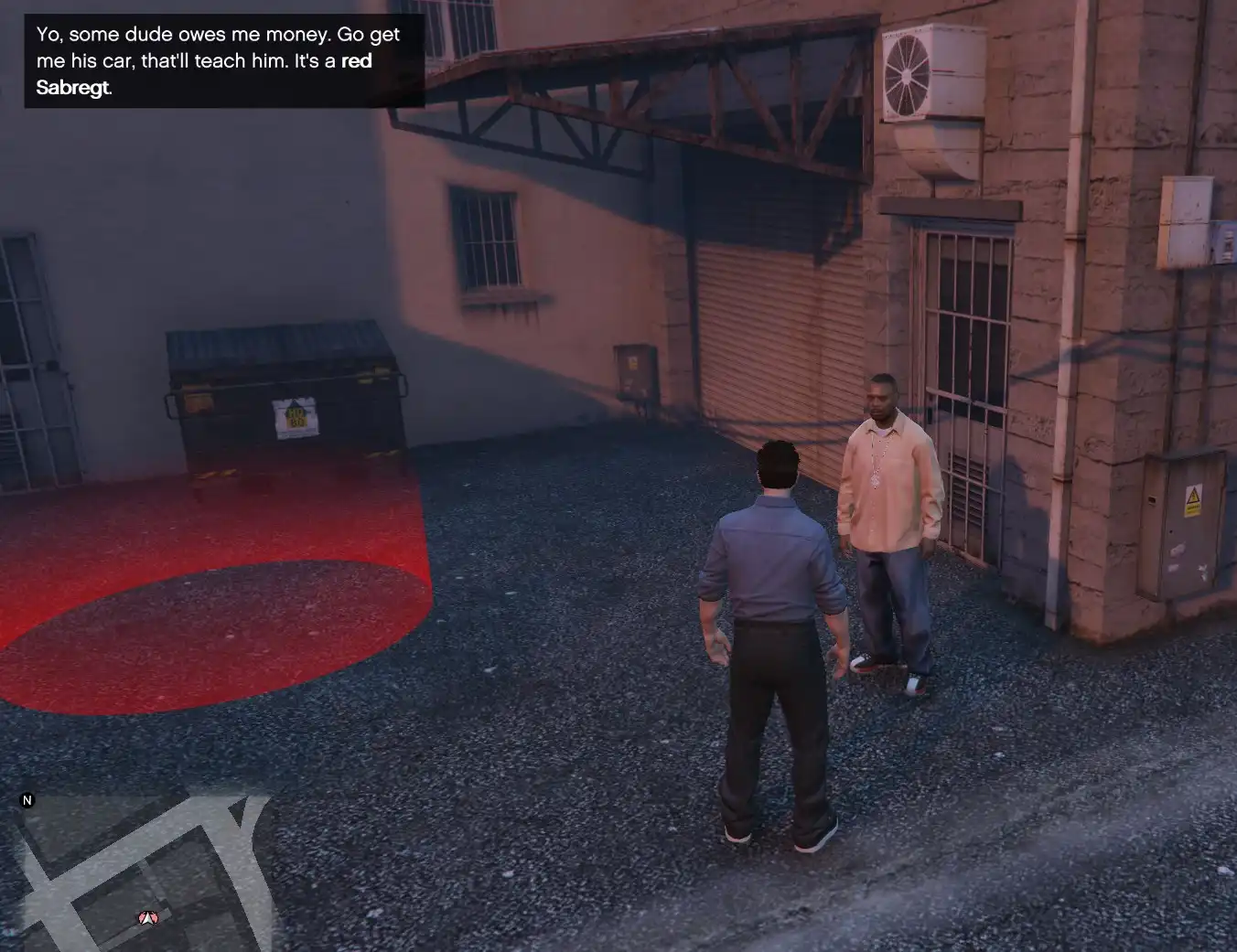
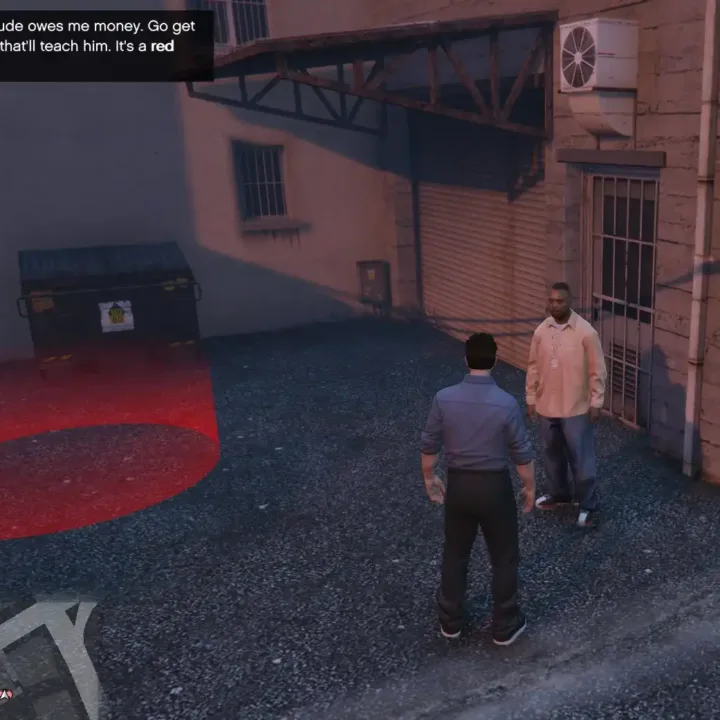
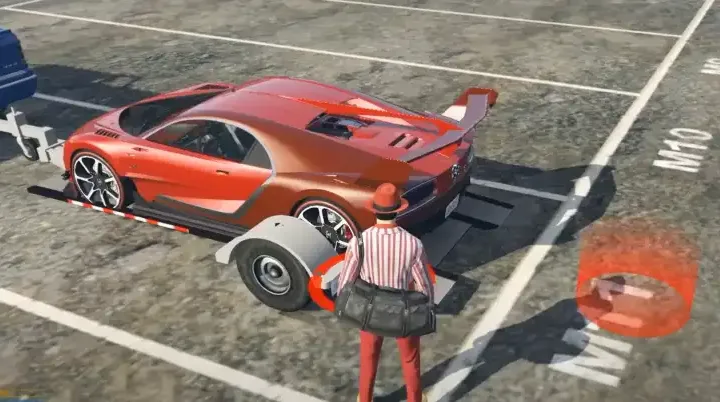
An NPC asks the player to find a specific car model in a specific color and to bring it to him in exchange for money.
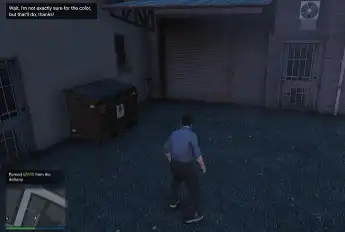
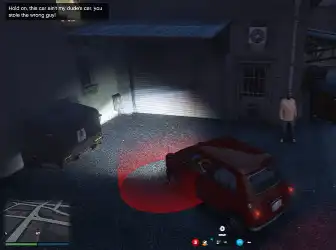
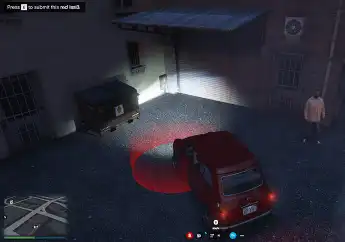
The player can sell a car of the right model without the correct color for a reduced reward.
The quest can work in 2 different manners, based on the Config.Repeatable boolean:
-Set to ‘false’: each player can perform the quest once per server reboot, then the quest disappears (for that player only).
-Set to ‘true’: the quest can be repeated over and over, but each time a player completes it, it randomizes the researched vehicle and the buyer’s position for every player.
Possible configurations:
Things you can easily change from the Config.lua file:
- Language (only ‘en’ and ‘fr’ for now)
- Spawn locations for the buyer NPC (3 by default, you can add more)
- The vehicle models asked by the NPC
- The quest mode/repeatability
- Whether the vehicle should have good health in order to complete the quest, or if it doesn’t matter
- Whether you want the reward to be black money or not
- The rewards.
What I hope works but I couldn’t really test alone:
- Does the quest really reset for all players in repeatable mode once a player completes it?
- Does the quest really remember all players who have completed it in non-repeatable mode, to prevent them from spamming it? Until the next server reboot?
- Cars belonging to any player should not be accepted (checked by car plate in database)
- Do you like it?
Need help?
If you have any other questions or issues related to this product, you can contact us. This script works well with our ESX Gps Tracker Script for enhanced roleplay communication
Visit if you’re looking for anything regarding this RedM script
Frequently Asked Questions
- How do I install Esx Car Hunting | Vehicle Quest & Delivery System on my FiveM server?
- Download after purchase, extract to resources folder, add ensure esx-car-hunting to server.cfg, restart server.
- Is Esx Car Hunting | Vehicle Quest & Delivery System compatible with QBCore and ESX?
- Yes, fully compatible with QBCore, ESX, QBox, and standalone FiveM servers.
- Does Esx Car Hunting | Vehicle Quest & Delivery System include free updates?
- Yes, all scripts include lifetime free updates and dedicated support.
{“@context”:”https://schema.org”,”@type”:”FAQPage”,”mainEntity”:[{“@type”:”Question”,”name”:”How do I install Esx Car Hunting | Vehicle Quest & Delivery System on my FiveM server?”,”acceptedAnswer”:{“@type”:”Answer”,”text”:”Download after purchase, extract to your resources folder, add ‘ensure esx-car-hunting’ to server.cfg, then restart your server.”}},{“@type”:”Question”,”name”:”Is Esx Car Hunting | Vehicle Quest & Delivery System compatible with QBCore and ESX?”,”acceptedAnswer”:{“@type”:”Answer”,”text”:”Yes, Esx Car Hunting | Vehicle Quest & Delivery System is fully compatible with QBCore, ESX, QBox, and Standalone FiveM servers.”}},{“@type”:”Question”,”name”:”Does Esx Car Hunting | Vehicle Quest & Delivery System include free updates?”,”acceptedAnswer”:{“@type”:”Answer”,”text”:”Yes, all FiveM scripts from fivemscripts.shop include lifetime free updates and dedicated support.”}}]}



 Esx Car Hunting | Vehicle Ques...

Reviews
There are no reviews yet.