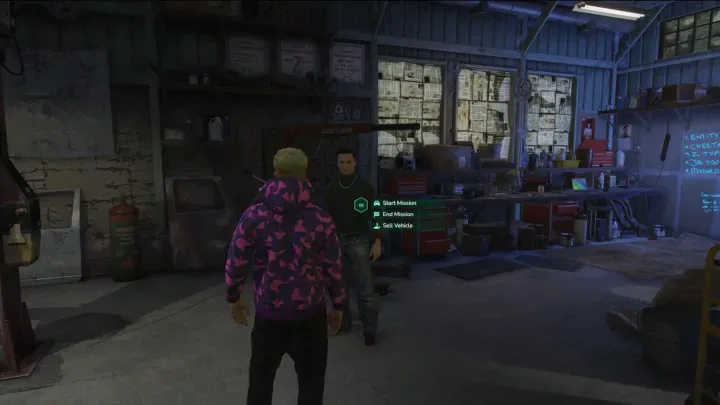
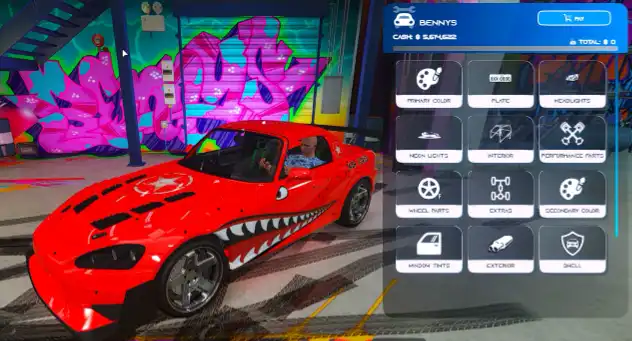
The QBCore Advanced Vehicle Selling & Missions Script lets players interact with NPCs to sell vehicles and take on missions. Featuring a smooth UI, integrated garage system, and immersive environment, players can launch tasks, earn money, and manage vehicle sales through dynamic roleplay-driven activities across your FiveM server.
Usage
1. Sell Stolen Vehicles
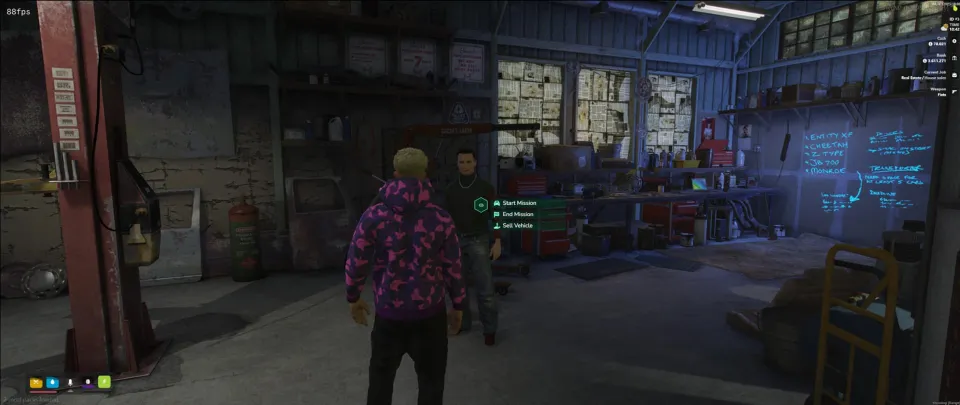
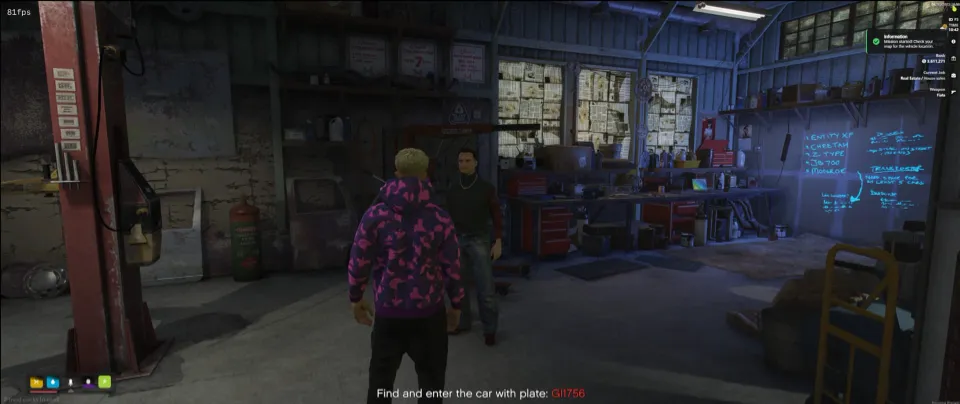
- Approach the chopshop NPC with a stolen vehicle nearby.
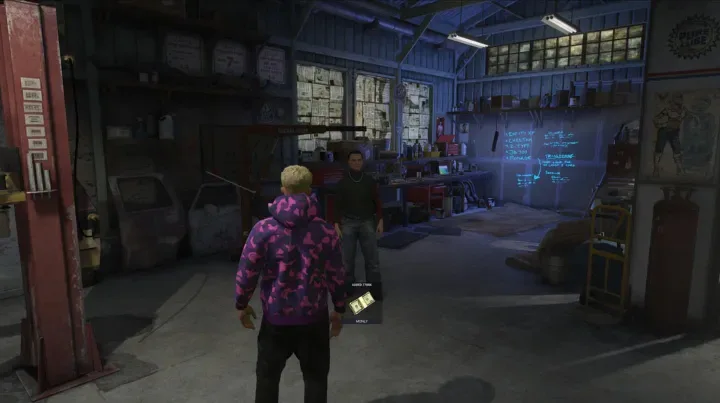
- Interact with the NPC using the ox_target or qb-target interaction system.
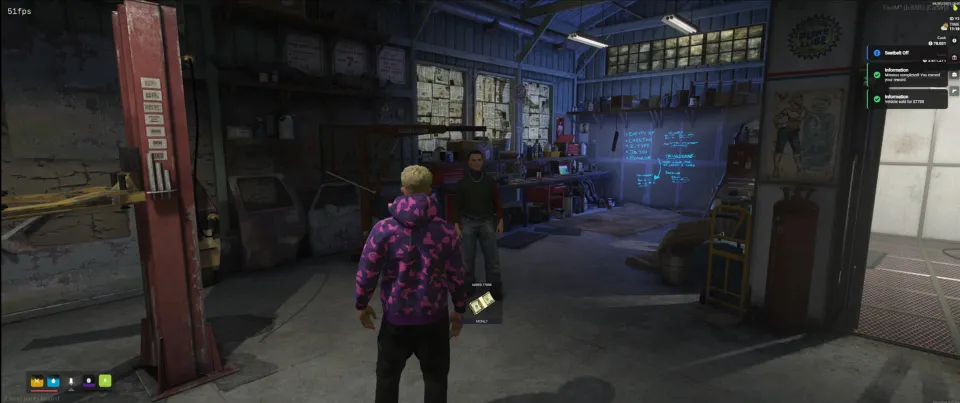
- Receive a random cash payout, and the vehicle will be removed from the game world.
3. Participate in Chopshop Missions
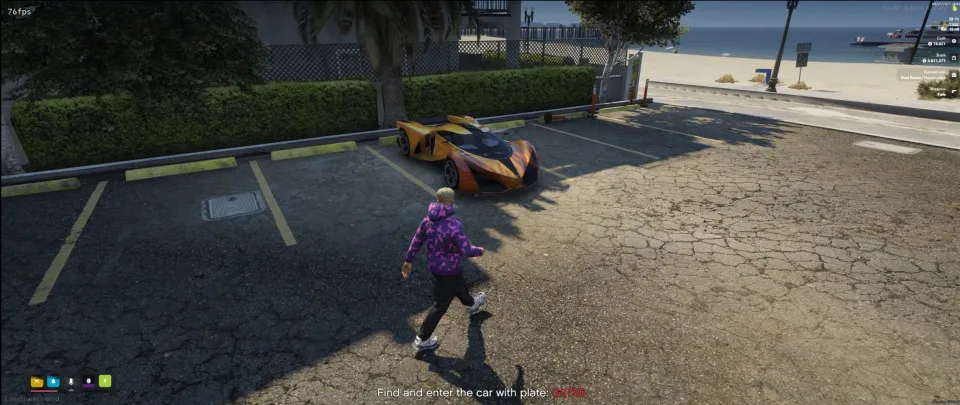
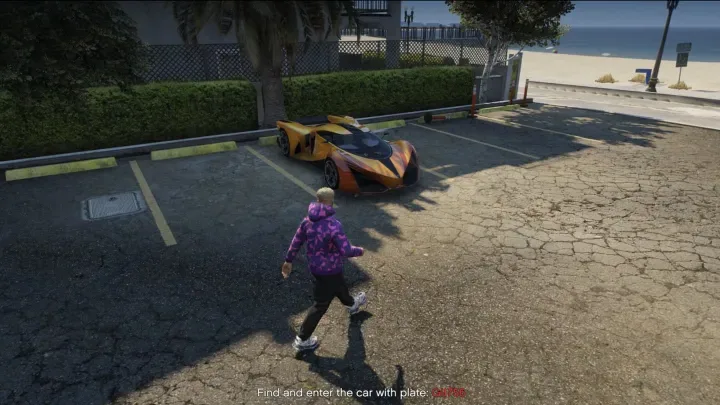
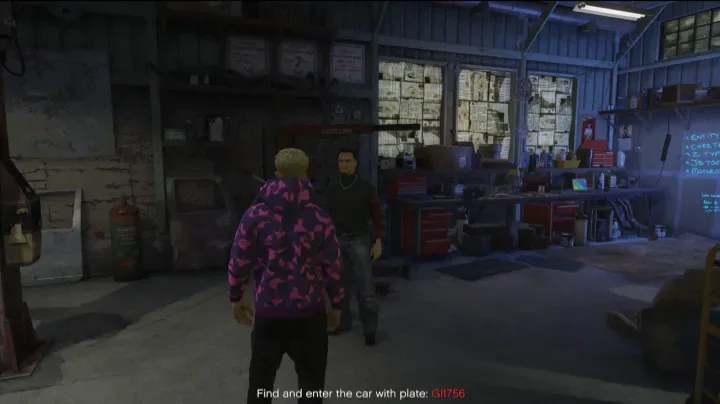
- Players can take on missions to locate and deliver specific vehicles to the chopshop for rewards.
- Missions are marked with blips on the map, guiding players to vehicle spawn locations.
- Successfully deliver the vehicle to earn a payout.
Features
- Chopshop Mission System: Retrieve specific vehicles from designated map locations and deliver them to the chopshop.
- Customizable Spawn Points: Easily update NPC and vehicle spawn locations to suit your server’s gameplay style.
- Dynamic Cash Rewards: Randomized payouts between $3,000 to $10,000 per vehicle, with chances for high-value rewards.
- Anti-Exploit Mechanisms: Prevents players from exploiting the system by selling vehicles they own or duplicating cash.
- Inventory Integration: Rewards are seamlessly handled via ox_inventory.
- Script automatically timesout if the mission isnt completed within 30 min.
- Sets random mission vehicle fuel between 30-100% full
- Performance Optimized: Script idles at 0.01ms under load 0.05⚡
Need help?
If you have any other questions or issues related to this product, you can contact us. This script works well with our Qbcore Advanced NPC Creator for enhanced roleplay communication
Visit if you’re looking for anything regarding this RedM script
Frequently Asked Questions
- How do I install Qbcore Advanced Vehicle Selling and Missions on my FiveM server?
- Download after purchase, extract to resources folder, add ensure qbcore-advanced-vehicle-selling to server.cfg, restart server.
- Is Qbcore Advanced Vehicle Selling and Missions compatible with QBCore and ESX?
- Yes, fully compatible with QBCore, ESX, QBox, and standalone FiveM servers.
- Does Qbcore Advanced Vehicle Selling and Missions include free updates?
- Yes, all scripts include lifetime free updates and dedicated support.
{“@context”:”https://schema.org”,”@type”:”FAQPage”,”mainEntity”:[{“@type”:”Question”,”name”:”How do I install Qbcore Advanced Vehicle Selling and Missions on my FiveM server?”,”acceptedAnswer”:{“@type”:”Answer”,”text”:”Download after purchase, extract to your resources folder, add ‘ensure qbcore-advanced-vehicle-selling’ to server.cfg, then restart your server.”}},{“@type”:”Question”,”name”:”Is Qbcore Advanced Vehicle Selling and Missions compatible with QBCore and ESX?”,”acceptedAnswer”:{“@type”:”Answer”,”text”:”Yes, Qbcore Advanced Vehicle Selling and Missions is fully compatible with QBCore, ESX, QBox, and Standalone FiveM servers.”}},{“@type”:”Question”,”name”:”Does Qbcore Advanced Vehicle Selling and Missions include free updates?”,”acceptedAnswer”:{“@type”:”Answer”,”text”:”Yes, all FiveM scripts from fivemscripts.shop include lifetime free updates and dedicated support.”}}]}


 Qbcore Advanced Vehicle Sellin...

Reviews
There are no reviews yet.