Esx Custom Vehicle System | Car Ownership, Keys & GPS
The ESX Custom Vehicle System allows players to park vehicles permanently, manage keys for locking and unlocking, and use a GPS system for vehicle tracking. It features commands like /impound, /hotwire, and /givecar, making vehicle ownership and control highly interactive and realistic.
The ESX Custom Vehicle System Script allows players to fully manage their vehicles with features like parking, ownership validation, vehicle retrieval, and customizations. It enhances realism by letting users store, track, and manage personal or gang vehicles securely. Perfect for boosting server immersion and offering advanced vehicle roleplay control.
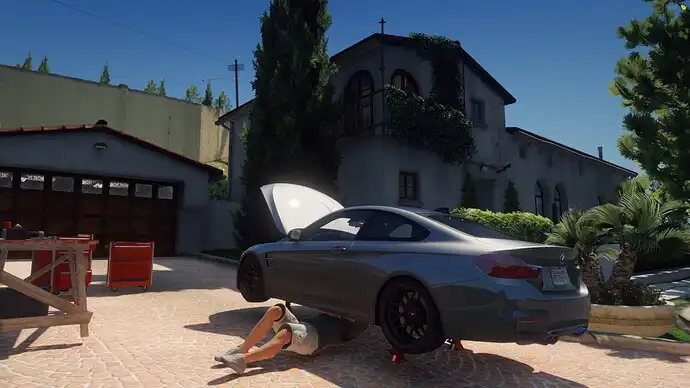
Where you park your car stays there.
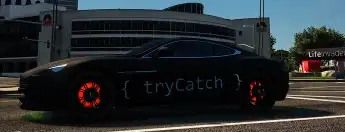
The plate is given a special key. With this key, you can lock and unlock the door while outside the vehicle. While in the vehicle, you turn the vehicle’s engine on and off.
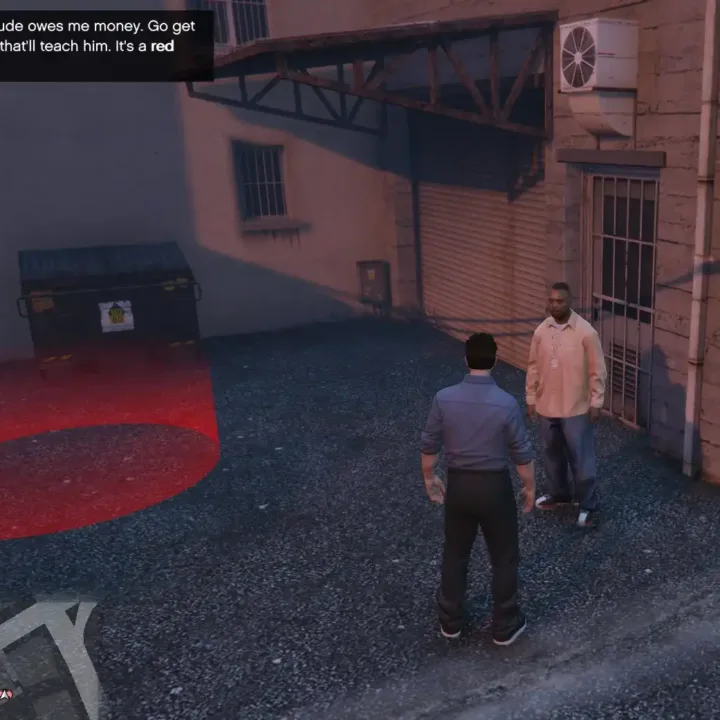
When you connect the GPS system to your vehicle, the location of your vehicle appears as a circle on the map. It does not give the exact coordinate! your vehicle is located within the specified circle.
If the person loses the vehicle key, they can get a new key.
Commands
With the /impound command, players with the job you have specified in the config can tow the vehicle.
/hotwire u know : )
Can give the car to someone with the /givecar command. Usage: /givecar id
Need help?
If you have any other questions or issues related to this product, you can contact us. This script works well with our Esx Tunning Scripts for enhanced roleplay communication
Visit if you’re looking for anything regarding this RedM script
Frequently Asked Questions
How do I install Esx Custom Vehicle System | Car Ownership, Keys & GPS on my FiveM server?
Download after purchase, extract to resources folder, add ensure esx-custom-vehicle-system to server.cfg, restart server.
Is Esx Custom Vehicle System | Car Ownership, Keys & GPS compatible with QBCore and ESX?
Yes, fully compatible with QBCore, ESX, QBox, and standalone FiveM servers.
Does Esx Custom Vehicle System | Car Ownership, Keys & GPS include free updates?
Yes, all scripts include lifetime free updates and dedicated support.
{“@context”:”https://schema.org”,”@type”:”FAQPage”,”mainEntity”:[{“@type”:”Question”,”name”:”How do I install Esx Custom Vehicle System | Car Ownership, Keys & GPS on my FiveM server?”,”acceptedAnswer”:{“@type”:”Answer”,”text”:”Download after purchase, extract to your resources folder, add ‘ensure esx-custom-vehicle-system’ to server.cfg, then restart your server.”}},{“@type”:”Question”,”name”:”Is Esx Custom Vehicle System | Car Ownership, Keys & GPS compatible with QBCore and ESX?”,”acceptedAnswer”:{“@type”:”Answer”,”text”:”Yes, Esx Custom Vehicle System | Car Ownership, Keys & GPS is fully compatible with QBCore, ESX, QBox, and Standalone FiveM servers.”}},{“@type”:”Question”,”name”:”Does Esx Custom Vehicle System | Car Ownership, Keys & GPS include free updates?”,”acceptedAnswer”:{“@type”:”Answer”,”text”:”Yes, all FiveM scripts from fivemscripts.shop include lifetime free updates and dedicated support.”}}]}
Reviews
There are no reviews yet.
Be the first to review “Esx Custom Vehicle System | Car Ownership, Keys & GPS” Cancel reply





Reviews
There are no reviews yet.